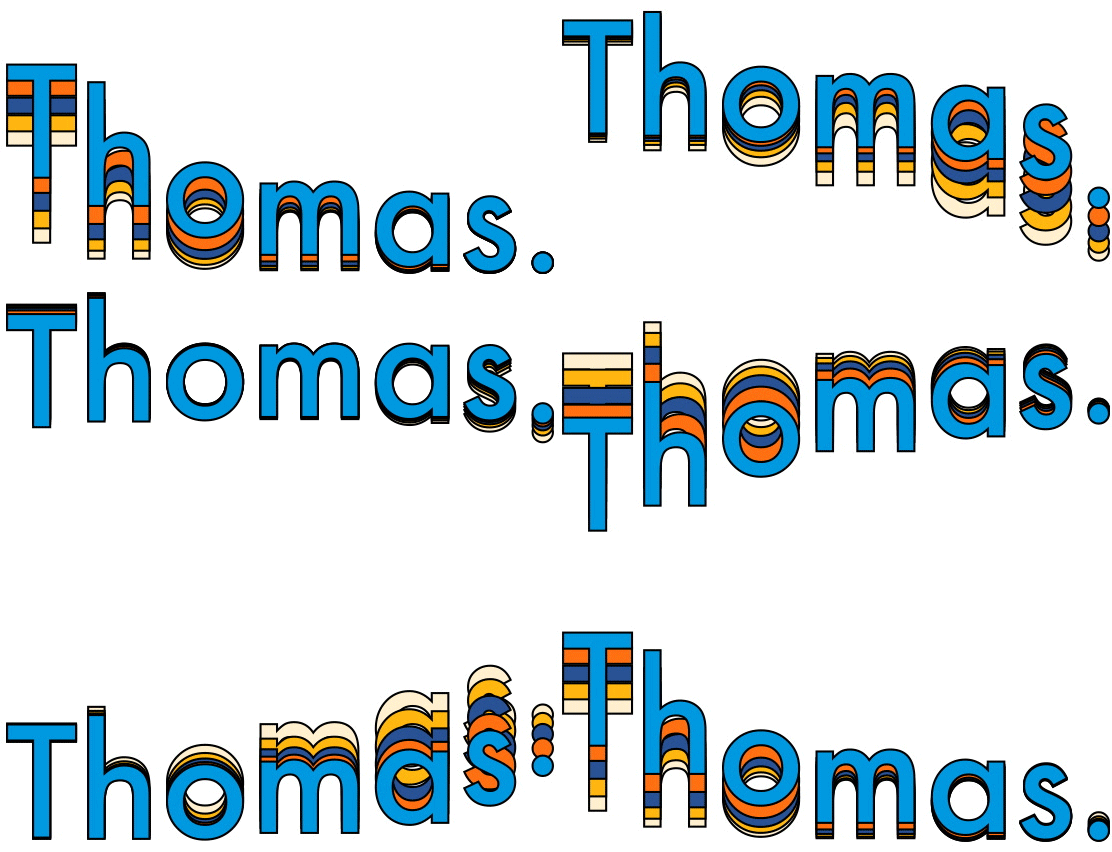
How to turn a voice note into a video
The voice note is perhaps one of the most underrated ways of producing content there is. They’re all over messaging apps but nowhere to be seen on our social media feeds because the big social networks won’t let you!
By turing a voice note into a video though, you can then post it across LinkedIn, YouTube, TikTok, and Instagram.
So how do you turn a voice note into a video? With my latest project: Warble. That’s how!
How it works:
- Record a voice note.
- Pick a video theme.
- That's it! Warble turns your voice note into a video you can post in moments.
The whole process has been designed to be as simple as possible. If you can record a voice note you can create a Warble video. Take a look at just how quick and simple the whole process is:
Is it AI?
The videos are all pre-designed motion design templates. The videos don’t use any generative AI and they don’t need to have a watermark according to the new legislation that came into force recently.
AI is used in an assistive way but only to transcribe the audio into the captions you see on screen.
Why make this?
As well as giving people the option to create videos themselves and share voice notes to their feeds. It’s also a tool I can use to add more value to my own freelance motion design clients.
I quite often get clients who are looking to create regular videos for social media. Usually I would recommend creating a template they can use to create content very quickly but traditionally this still requires either knowledge of After Effects, or I have to stay in the loop to create each and every video. Both of which increase costs for the client.
With Warble, I can now create custom themes for clients, link them to their Warble account, and then they can create as many videos as they need simply by recording a voice note.
It’s completely free to try, so head on over to getwarble.com and get recording!
If you’re interested in producing a custom Warble theme, get in touch here.
Filed under: